Developers
Reference the real markup of every screen instead of a folder of blurry screenshots.
DOM Studio for Mac
Walk through any website once. DOM Studio captures every screen as real HTML — desktop and mobile side by side, tablet too, flows and a tree you can rearrange, ready for Figma, Cursor or Claude.
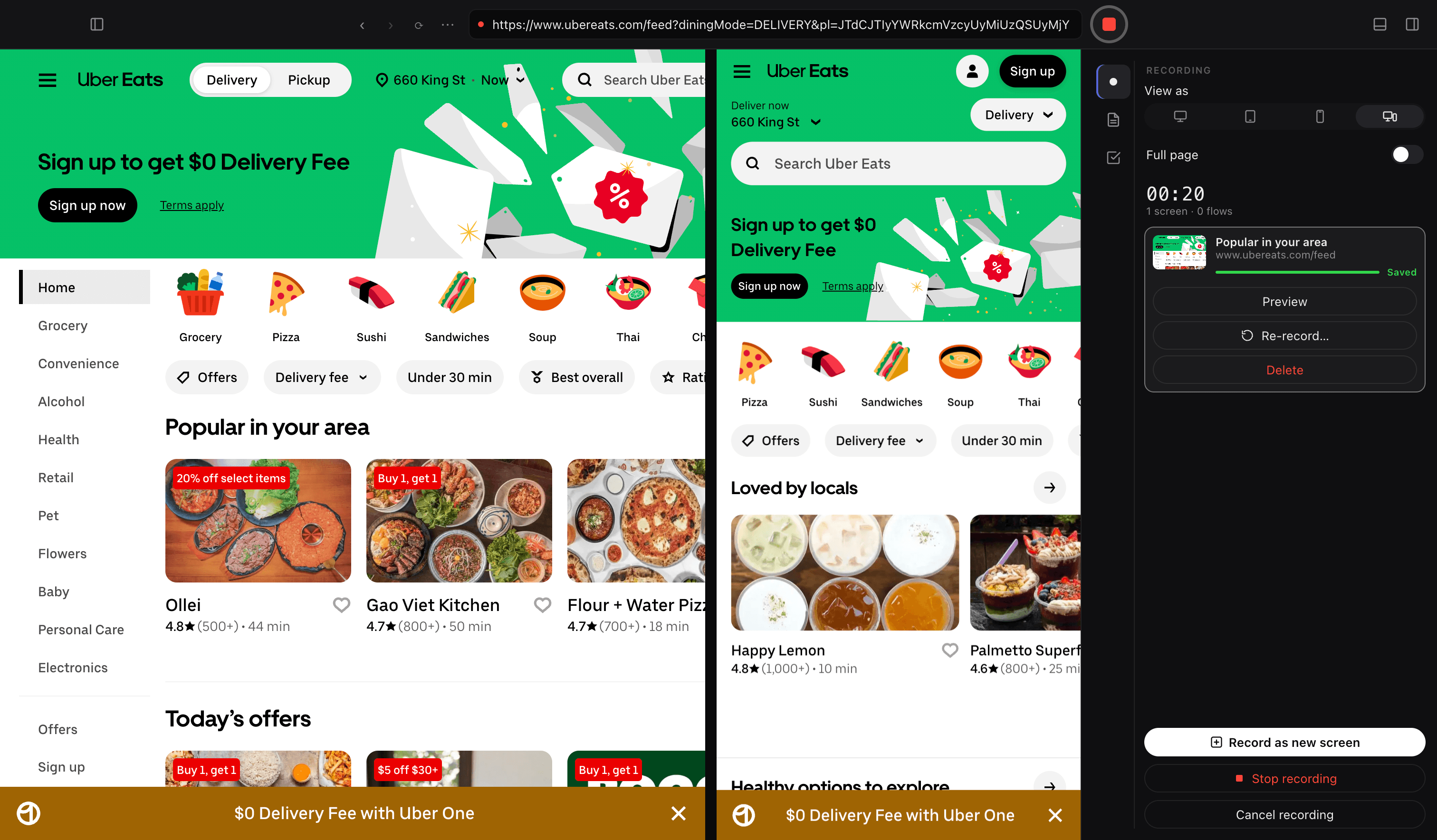
Built to document products for AI. One walk-through becomes context your tools can read.
Paste the Screeny. Cursor builds from your real screens and flows, not a guess.
Every screen, flow and URL as context in one paste — desktop and mobile.
Real desktop and mobile screens to start the design from, not blurry screenshots.
Three steps. The third one is automatic.
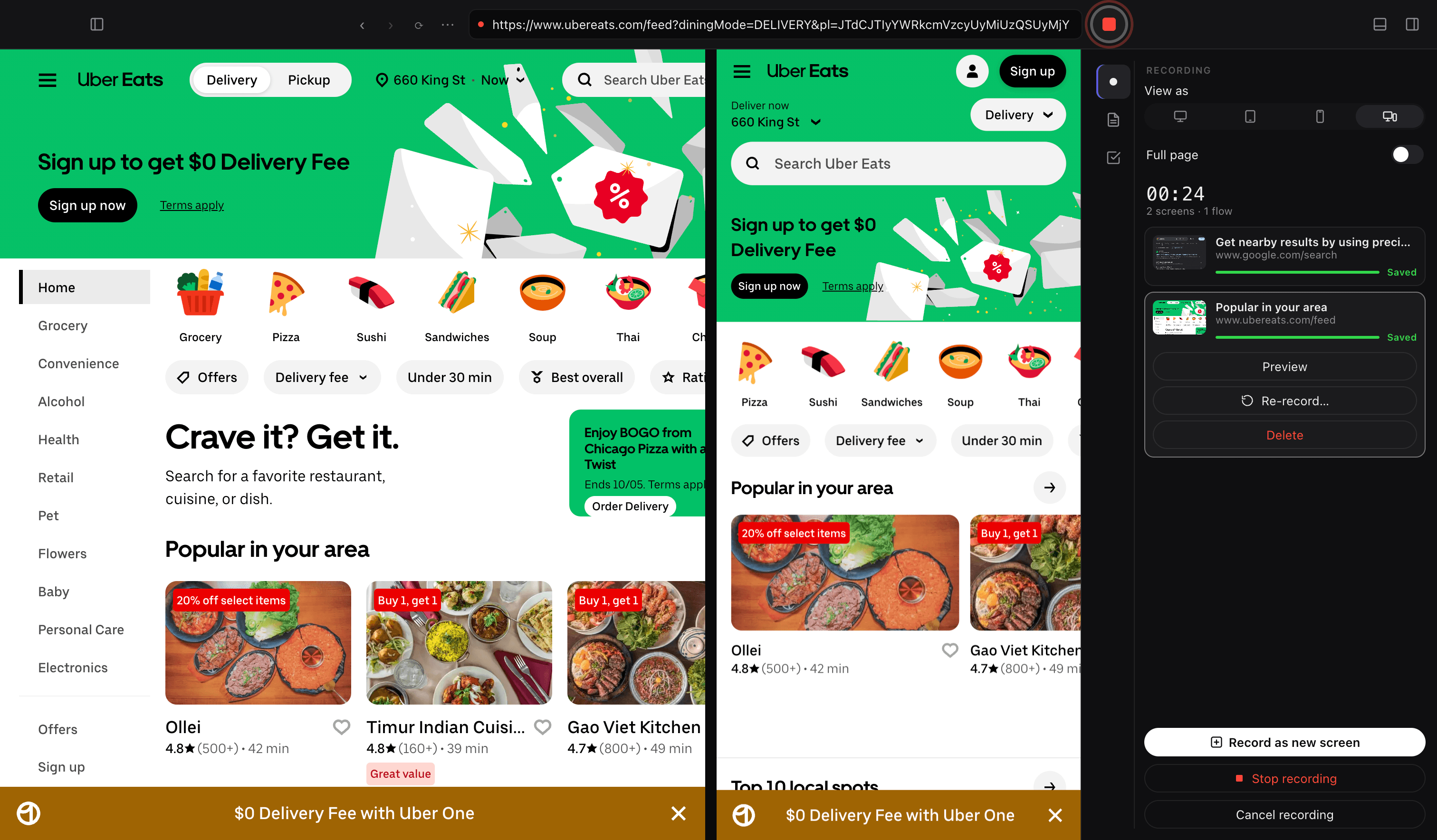
Open any site in DOM Studio and press record. No browser extension, no setup.
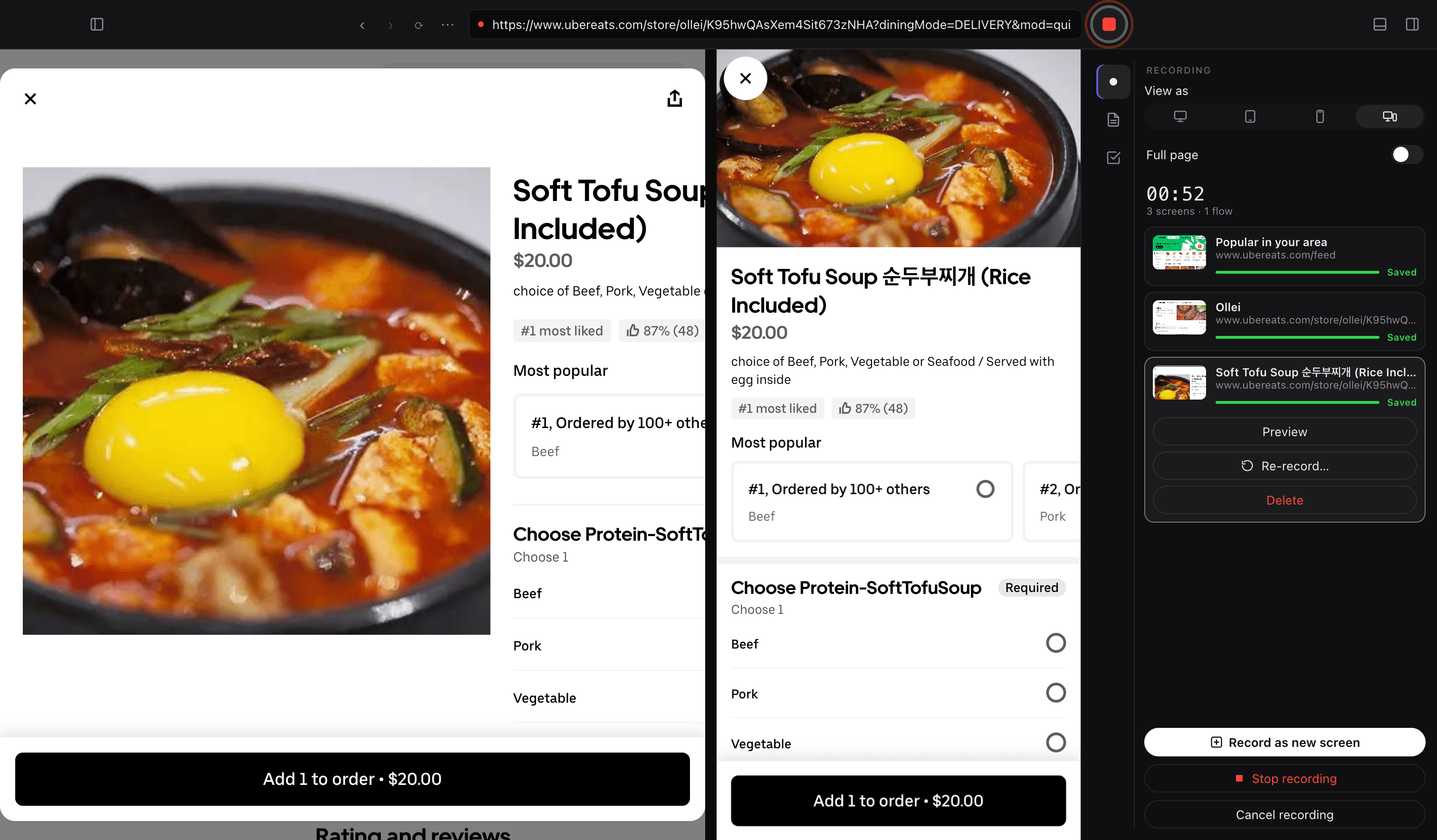
Click around like a user. Screens, loading states, dropdowns and revisits are recognized as you go.
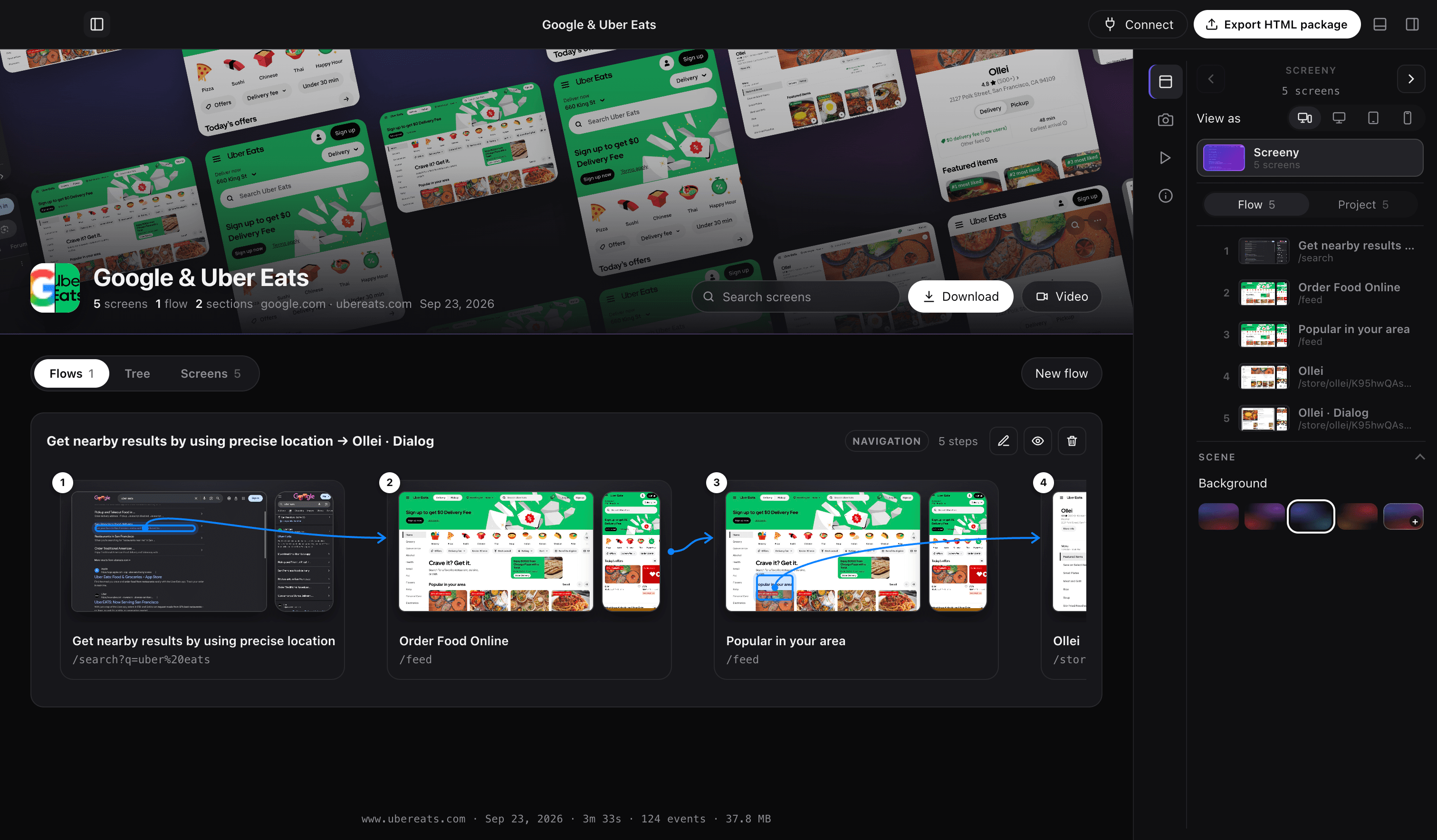
Every screen named, flows plus a Tree you can rearrange. Download it as HTML or copy the whole map for your AI.
A Screeny is the HTML map of every screen you walked through — named, connected in Flows and Tree, desktop and mobile together. This one is a real export from DOM Studio.
Reference the real markup of every screen instead of a folder of blurry screenshots.
Map a competitor or your own product in minutes — cover, sections and flows, ready to drop into Figma.
Copy for AI gives Cursor or Claude the full list of screens and flows, with URLs, in one paste.
Walk a campaign or a competitor’s funnel once. Every landing, checkout and modal is named and ready to share.
See the real walk — screens, flows and a tree — before you write the spec or the ticket.
Capture a study as a Screeny. Every screen named, with the URL, so notes sit on the actual UI.
Small releases as the Mac app takes shape.
One walk-through, every screen on desktop and mobile. I’m not charging for it yet.
Download for Macv1.0.20